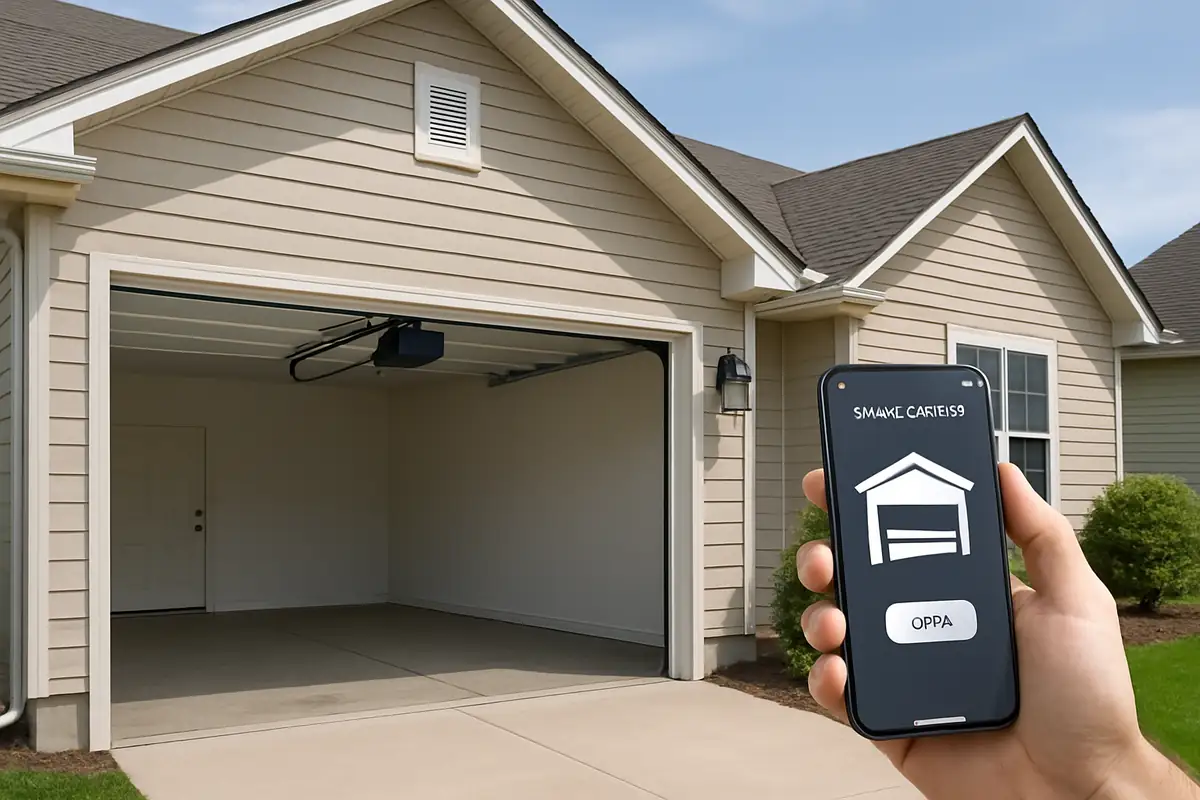
How to Program Your Garage Door Remote: A Complete Guide by Sg Garage Doors Repair
Struggling to program your garage door remote? Our comprehensive guide walks you through each step, ensuring convenience and security for your home. Trust Sg Garage Doors Repair to keep your garage door functioning perfectly.

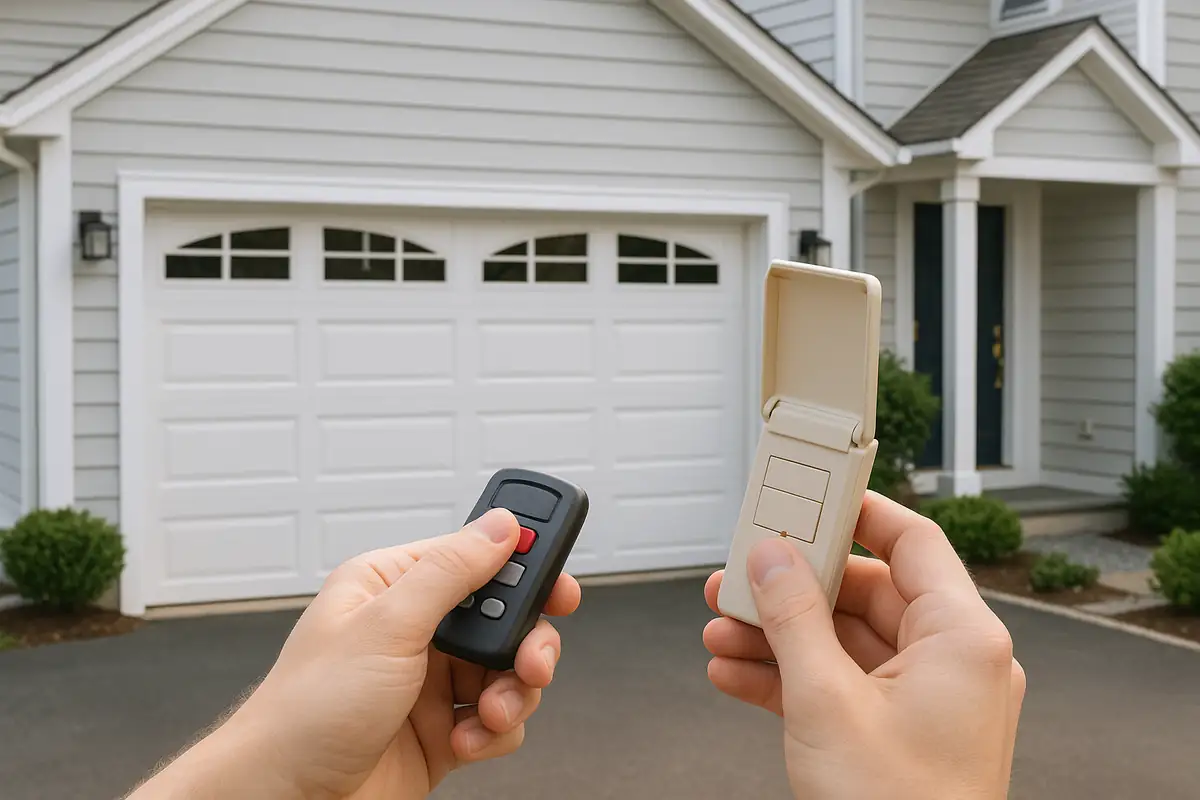
Understanding the Basics of Garage Door Remotes
Garage door remotes are designed to provide convenience and security, allowing you to open and close your garage door from a distance. In Miami, FL, having a properly functioning remote is crucial, especially during the summer months when you need quick access to your home. This guide will teach you how to program your garage door remote, ensuring you can enjoy hassle-free entry to your garage.
Why You Might Need to Program Your Garage Door Remote
There are several reasons why you might need to program your garage door remote:
- New Remote: If you've recently purchased a new garage door remote, it will need to be programmed to connect with your garage door opener.
- Changing Batteries: Sometimes, changing the batteries can reset the programming and require you to reprogram the remote.
- Lost Remote: If you've lost your remote and replaced it, you'll need to set it up again.
- Security Precautions: Regularly reprogramming your remote can help maintain security, particularly if you suspect someone may have gained access to it.
Step-by-Step Guide to Programming Your Garage Door Remote
Programming your garage door remote might seem daunting, but with the right tools and guidance, it can be done quickly and easily. Follow these steps to ensure your remote is correctly programmed:
Step 1: Gather Your Tools
Before you begin, make sure you have the following:
- Your garage door remote
- Your garage door opener
- A ladder (if your opener is mounted high)
Step 2: Locate the "Learn" Button
The "Learn" button is typically found on the back or side of the garage door opener. It may be labeled as "Learn," "Program," or a similar term. To locate it:
- Ensure the garage door is closed.
- Climb the ladder (if necessary) to reach the garage door opener.
- Look for a small button near the antenna wire or on the unit itself.
Step 3: Prepare to Program
Once you've located the learn button, you're ready to start programming:
- Press and release the learn button on your garage door opener. You should see a small LED light turn on.
- Within 30 seconds, proceed to the next step with your remote.
Step 4: Program Your Remote
With the LED light on, now it’s time to program your remote:
- Press the button on your remote that you want to use to open the garage door.
- Hold the button until the LED light on the garage door opener blinks or turns off. This indicates that the remote has been successfully programmed.
Step 5: Test Your Remote
Once programmed, it's essential to test the remote:
- Step away from the garage door.
- Press the button on the remote to see if the door opens.
- If it does not work, repeat the programming steps.
Troubleshooting Common Issues
If you encounter problems while programming your remote, consider the following troubleshooting tips:
- Remote Not Responding: Check the battery in your remote. A low battery can prevent proper functioning.
- Door Doesn't Open: If the door doesn’t respond, ensure you're within range and that the opener is powered on.
- LED Light Not Turning On: If the LED light on the opener does not turn on when you press the learn button, ensure the opener is plugged in and powered.
Maintenance Tips for Your Garage Door Remote
To keep your garage door remote functioning smoothly, follow these maintenance tips:
- Regularly check and replace the batteries in your remote.
- Keep the remote clean and free from dust and debris.
- Ensure the antenna on your garage door opener is not damaged or obstructed.
- Consider routine inspections from a professional garage door service to ensure all components are in top shape.
When to Call a Professional
Even after following this guide, you may find that your remote still won’t work. In such cases, it may be best to contact a professional. Here are signs that you should call Sg Garage Doors Repair:
- You’re unable to locate the learn button or have trouble accessing it.
- Programming the remote does not resolve the issue.
- You notice strange noises or movements from your garage door.
Conclusion
Programming your garage door remote can be a straightforward process if you follow the steps outlined above. Regularly maintaining your remote and garage door opener ensures continuous convenience and security for your home in Miami, FL. If you ever find yourself in need of assistance, don’t hesitate to reach out to Sg Garage Doors Repair. Our expert technicians are ready to help with all your garage door needs!
For reliable garage door repair and maintenance services in Miami, contact us today!
Explore More Resources
Related Articles
Service Areas
We proudly serve Miami, Miami Design District, Miami Beach, Coral Gables, North Bay Village and more areas.
Our Services
Professional garage door repair, spring repair, opener installation and more. View all services →
How to Reduce Garage Door Noise: Expert Tips from Sg Garage Doors Repair in Miami, FL
Signs Your Garage Door Opener Needs Replacement - Sg Garage Doors Repair